The app is available in Polish, English, German, French and Spanish. You can switch the language in two places, and your choice is saved in your profile.
UserLanguageOpen the user menu
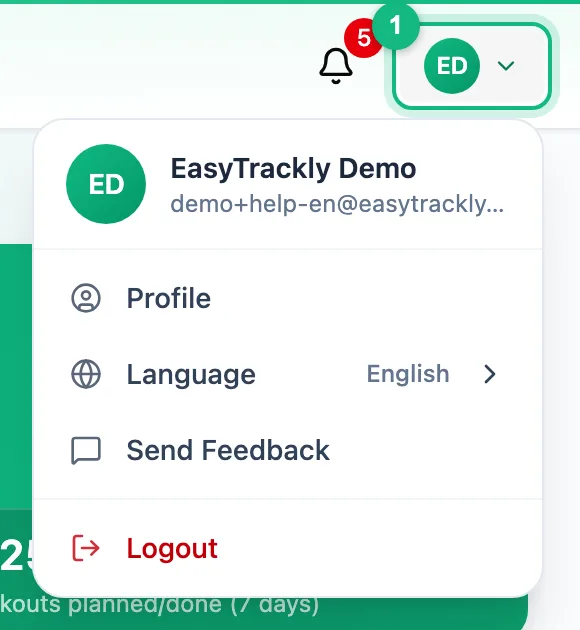
Click your photo or initials in the top right corner.
Pick a language
Expand Language and click a language in the list. The labels change right away, without reloading the page.
The same choice is in your profile: Profile, Personal Data, the Preferred language field, then Save changes.
The sign-in page and public pages before you sign in use the language last chosen in that browser.
More in this section: Account
For coaches and athletes
ProfileWhich tabs the profile has and how to fill in personal details, marketing consent and data export.For coaches and athletes
Training settings and zonesHow to set maximum heart rate, thresholds and training zones for running, cycling and swimming.For coaches
Coach settingsHow to turn on the wellness check-in, choose its fields, and set reminders and question wording for report requests.For coaches and athletes
Password and securityHow to change your password in the profile and set a new one when you have forgotten it.For athletes
Who can see my dataWhat your coach sees of your workouts, reports and check-ins, what nobody but you can see, and what happens to your data when coaching ends or you delete your account.For coaches and athletes
Deleting your accountHow to delete your account, what happens to your data and how to restore it within 30 days.