On this page
You create a coach account yourself, with the sign-up form or a Google account. Your athletes join it later through your invitations.
Sign inSign upSigning up with the form
Open the form
On the sign-in page, click Sign up. The Create trainer account screen opens.
Fill in your details
Enter your first name, last name, email address and your password twice. The checklist under the password field ticks off as you type: 8 to 30 characters, at least one letter and one number.
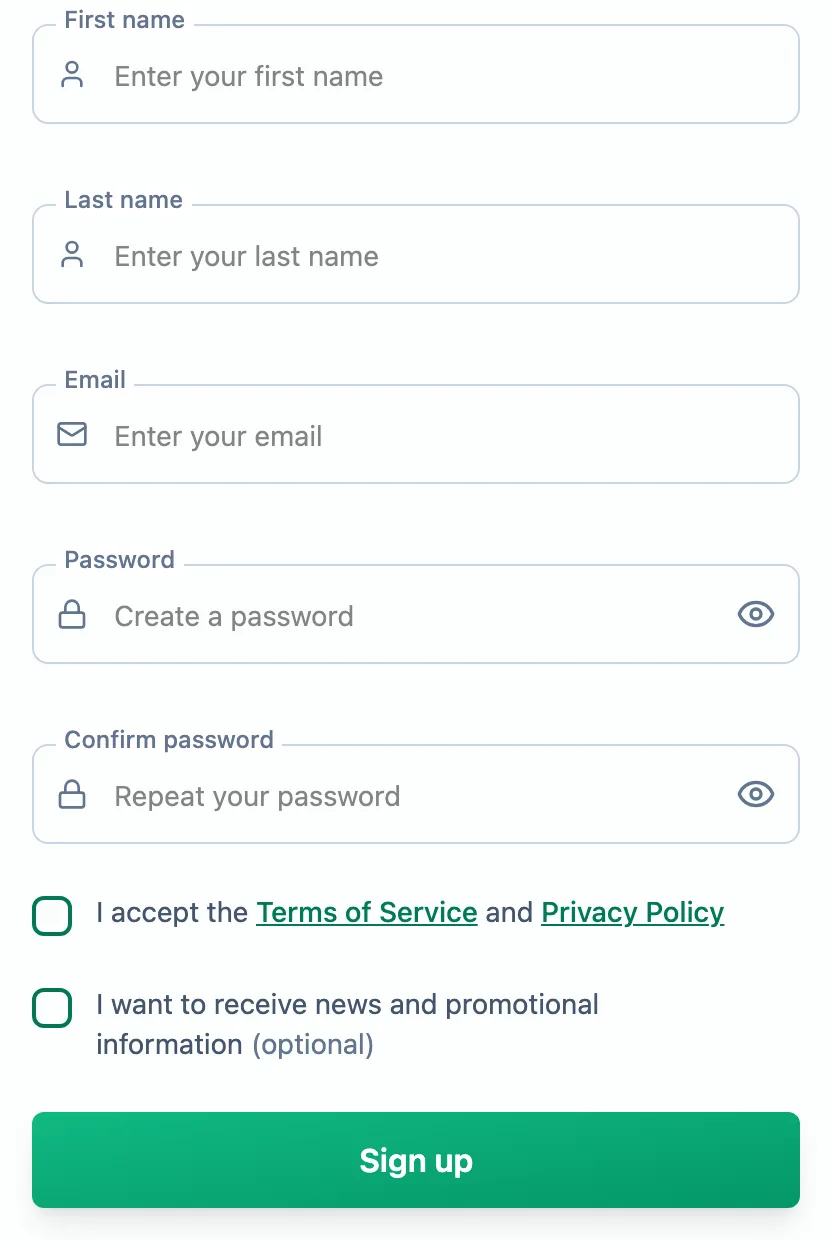
Tick the consents and submit
Accepting the terms of service and privacy policy is required; the news consent is optional. Click Sign up.
Confirm your email address
You will see Check your inbox. Open the message from EasyTrackly and click the link. Only then can you sign in to the new account.
Signing up with Google
On the sign-up screen, click Continue with Google and pick your Google account. You come back to Complete your registration: accept the terms, optionally tick the news consent, and click Create trainer account. There is no email to confirm - Google has already verified the address.
Signing in
On the sign-in page, enter your email and password, or use Continue with Google if that is how you created the account.
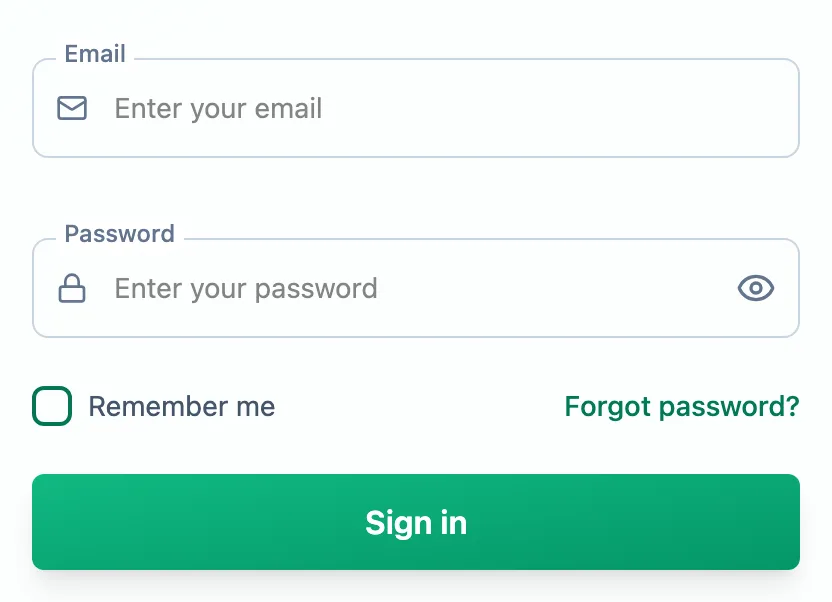
Ticking Remember me keeps you signed in for up to 7 days. If you forget your password, use Forgot password? - you will get an email with a link to set a new one.
After your first sign-in you land on the coach dashboard. A sample athlete with workouts is already there, so you can try out the calendar.
More in this section: Getting started
For coaches and athletes
What EasyTrackly isWhat the app does for coaches and athletes, and where to start.For coaches
Inviting athletesHow to generate an invitation code, pass it to your athlete and check that they have joined.For coaches
Demo athleteWhere the demo athlete comes from, whether it counts toward your limit and statistics, and how to remove it.For athletes
Athlete accountHow an athlete creates an account from a coach invitation, and what to do when the code does not work.For coaches and athletes
Finding your way aroundWhat is in the coach and athlete side menu, the header and the user menu.For coaches and athletes
Basic conceptsWhat workouts, activities, completion, races, templates and reports mean in EasyTrackly.