On this page
You create an athlete account with an invitation code from your coach. The code connects your account to the coach, so once you sign up you see the plan they prepare for you.
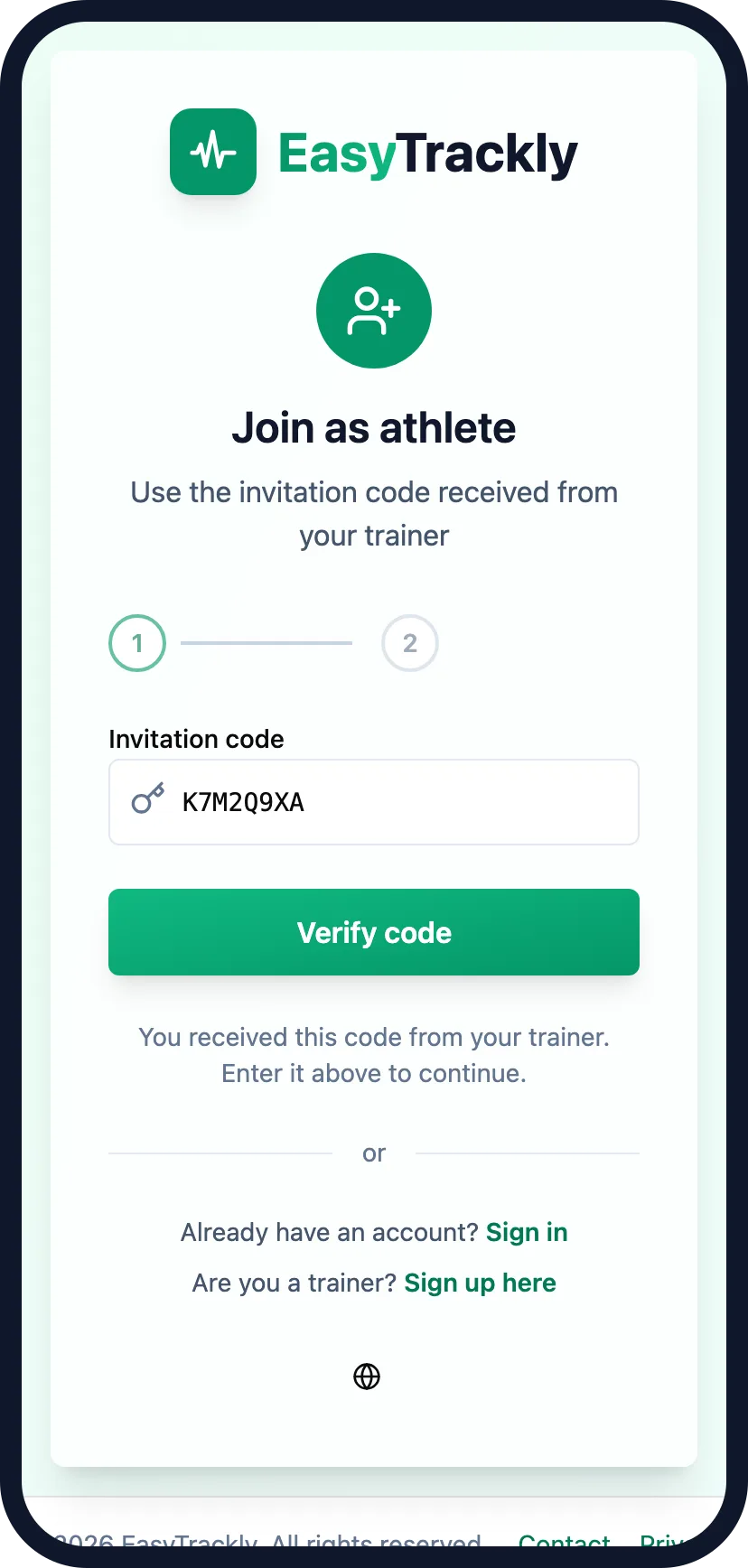
Join as athleteThe easiest way in is the link from your coach - the code is already filled in. Without the link, go to /signup/athlete and type the code yourself.
Verify the code
In the first step, Invitation code, click Verify code. The code is not checked automatically, even when it came in the link. After verification you see the name of the coach you are joining.
Enter your account details
Click Next. In the Account details step, enter your first and last name, email and your password twice, accept the terms and click Sign up. Instead of the form you can use Continue with Google.
Confirm your email address
If you used the form, you get a message with a confirmation link. You cannot sign in until you click it. Check your spam folder too.
Sign in
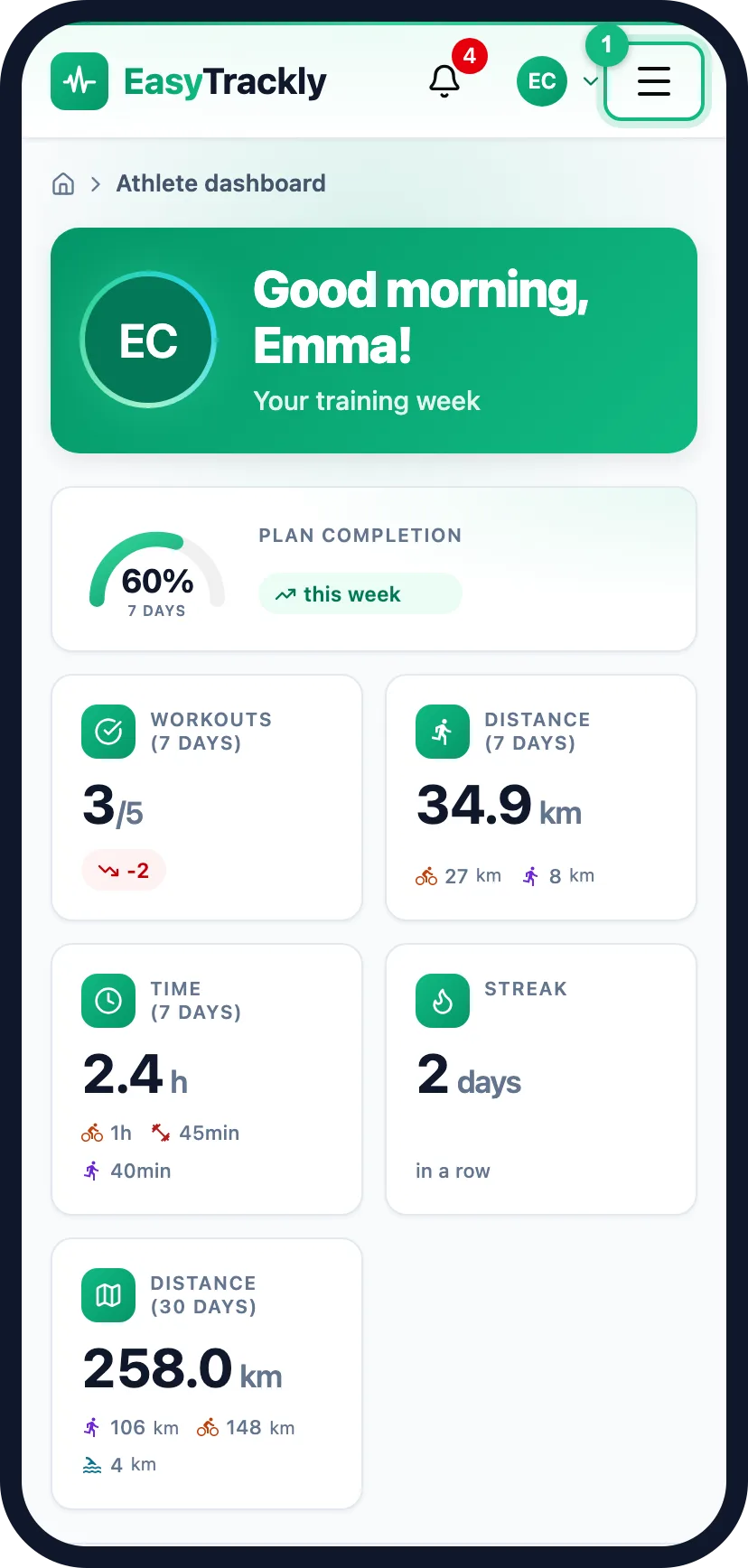
After signing in you land on your dashboard. Open the menu with the button in the header - on a phone it is hidden.
When the code does not work
The message under the code field tells you what happened:
| Message | What to do |
|---|---|
| Invitation code has already been used. | Each code works once - ask your coach for a new one. |
| Invitation code has been deactivated. | Your coach switched this code off - ask for a new one. |
| Invitation code does not exist. | Check that the code is typed correctly. |
| Trainer has reached account limit. Contact trainer. | Your coach needs to free a slot or change plan. |
More in this section: Getting started
For coaches and athletes
What EasyTrackly isWhat the app does for coaches and athletes, and where to start.For coaches
Coach accountHow to create a coach account with the form or a Google account, and sign in for the first time.For coaches
Inviting athletesHow to generate an invitation code, pass it to your athlete and check that they have joined.For coaches
Demo athleteWhere the demo athlete comes from, whether it counts toward your limit and statistics, and how to remove it.For coaches and athletes
Finding your way aroundWhat is in the coach and athlete side menu, the header and the user menu.For coaches and athletes
Basic conceptsWhat workouts, activities, completion, races, templates and reports mean in EasyTrackly.