On this page
Most sync problems show up on the watch card in the athlete's profile or in the workout panel. This page tells you where to look and what to do.
ProfileIntegrationsA workout from the watch didn't arrive
Check the card status
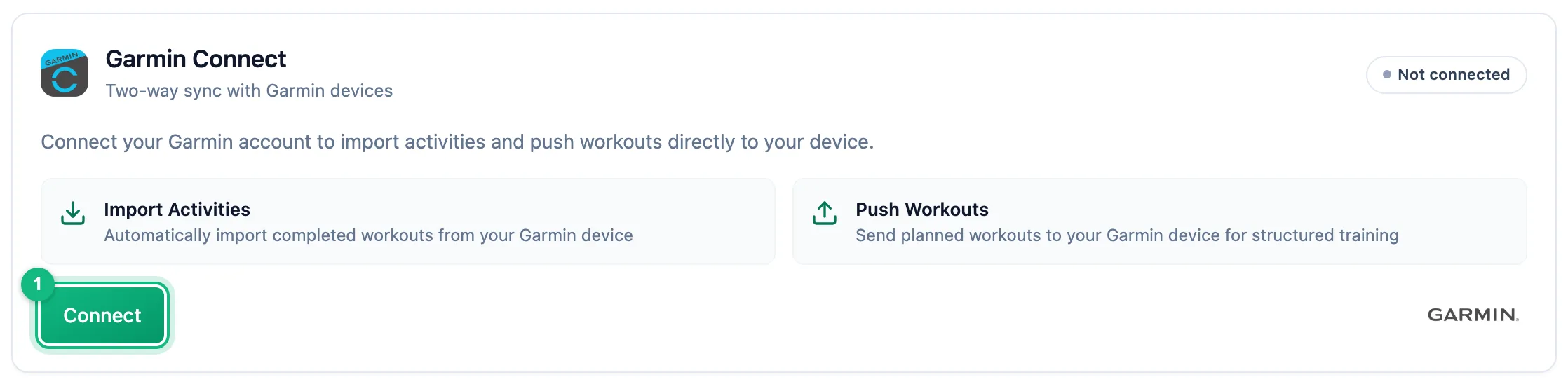
The card should show Active. With Re-auth required, click Reconnect; with Consent required in Polar account, accept the consents in your Polar account.
Check the sport
In the Workouts section, the workout's sport has to be on. The app doesn't fetch sports that are turned off.
Sync the watch and fetch manually
The watch first has to send the workout to the maker's phone app. Then click Sync Now on the card. It checks the last 30 days; for Suunto, workouts since the last sync.
The workout is there but didn't complete the plan
The app doesn't complete the plan on its own. When a plan of the same sport waits on the same day or the day next to it, the athlete gets a notification suggesting the link, with an Accept button. Until it's accepted, the plan stays open. When the sport or the date doesn't match, there is no suggestion - link the activity by hand from the workout panel.
The same workout twice
With two watches connected, a workout uploaded to both accounts shows up in the calendar twice - the app doesn't merge them. Turn that sport off on one of the cards.
A plan didn't reach the watch
Open the workout in the calendar. If sending failed, the panel shows a box with the reason:
- This workout will not reach the watch: reconnect your Garmin account.
- This workout will not reach the watch: sending to Garmin is turned off.
- Sending the workout to Garmin failed. It will be retried automatically.
Suunto shows the same boxes with its own name, plus two more:
- This workout will not reach the Suunto watch: a step targets a zone, but the training settings lack the threshold needed to calculate it.
- This workout will not reach the Suunto watch: the watch does not support one of the steps (sport, target or repeat).
The athlete fixes reconnecting and disabled sending on the watch card; a missing threshold is fixed by whoever sets the thresholds, and an unsupported step by the coach in the workout's steps. No box on a workout that isn't on the watch usually means a draft, a run, ride or swim without steps, or an athlete without a connected Garmin or Suunto account. A workout reaches Suunto only 14 days before its date.
More in this section: Integrations
For coaches and athletes
How import worksHow workouts from a watch reach the calendar: connecting the account, choosing sports, manual sync and matching to the plan.For athletes
GarminHow to connect your Garmin Connect account, choose which sports to import and turn on sending planned workouts to the watch.For athletes
PolarHow to connect your Polar Flow account, accept the Polar consents and choose which sports reach the calendar.For athletes
SuuntoHow to connect your Suunto account, choose which sports to import, fetch workouts from the last 90 days and send planned workouts to the watch.For coaches and athletes
Workouts on the watchHow a planned workout reaches the athlete's Garmin or Suunto watch: what the athlete sets up, which workouts qualify and what happens when sending fails.