You can report a bug, ask a question or share an idea straight from the app. The message reaches our team together with the page you were on.
UserSend FeedbackOpen the form
Click your photo or initials in the top right corner and choose Send Feedback.
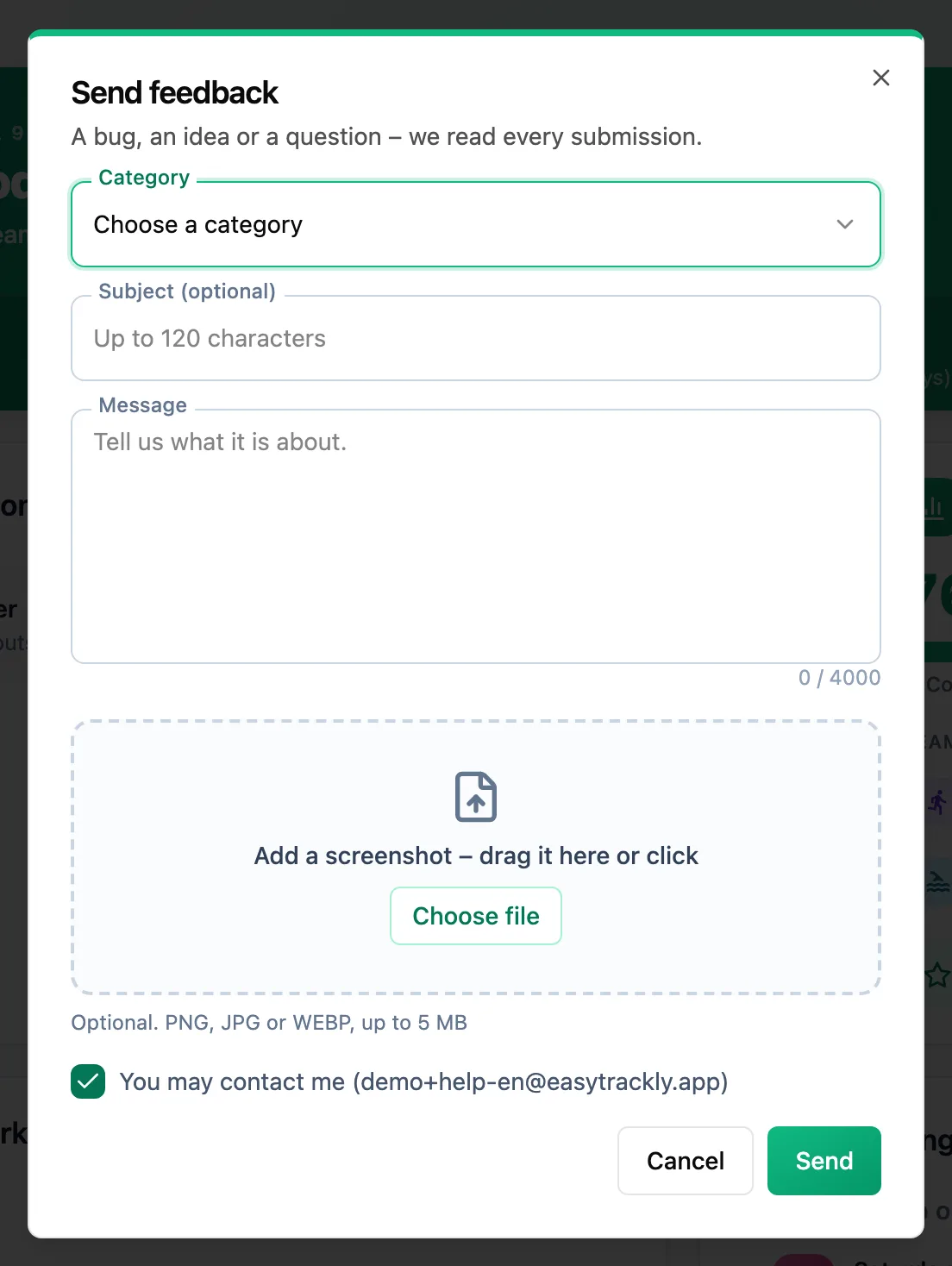
Describe the issue
Pick a category, for example Bug / problem or Payments and subscription, and describe what is happening. For a bug, say what you were doing and what you expected. The subject is optional.
Add a screenshot
Drag an image onto the screenshot area, or click it and choose a file. A screenshot often says more than a description.
Send
Leave You may contact me ticked if you want a reply - we will write to your account email. Click Send.
If you cannot sign in, write to support@easytrackly.app from the address your account was created with.