On this page
The Suunto connection works both ways: workouts synced with the Suunto app reach the calendar with the full data from the watch, and workouts planned by your coach reach the watch.
ProfileIntegrationsSuuntoConnect the account
On the Suunto card, click Connect, sign in on Suunto's site and approve access. Back in the app, the card shows Active.
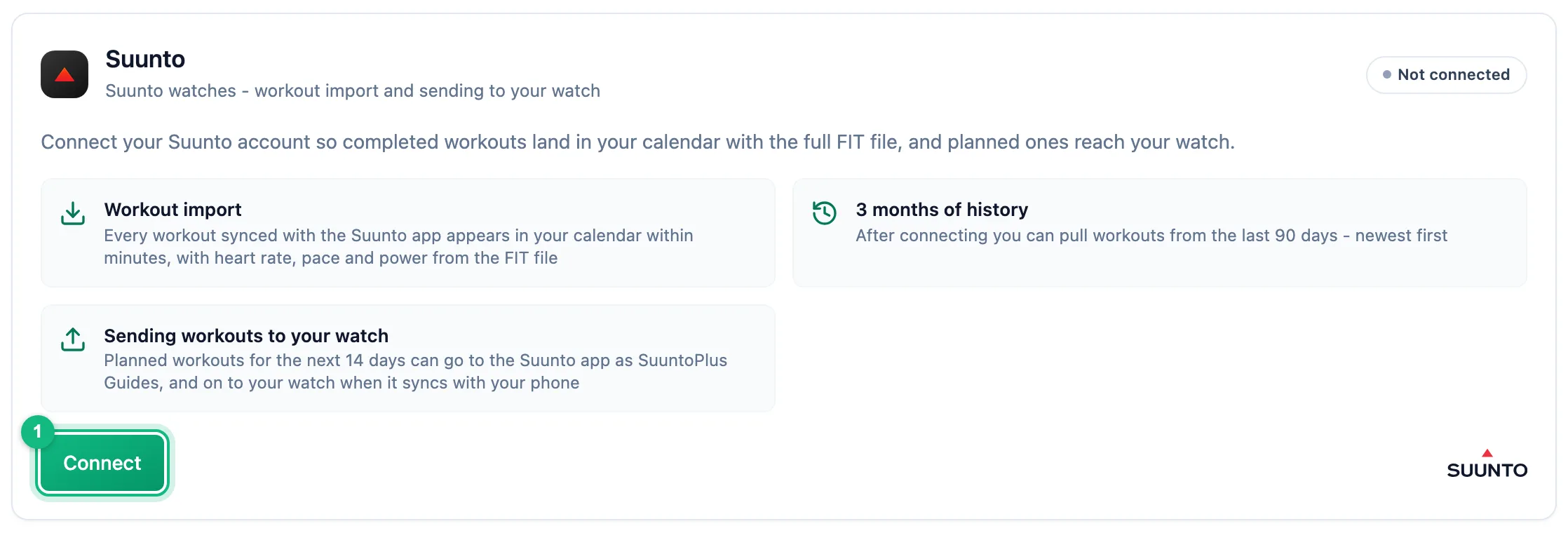
You approve the connection in your own Suunto account Set up import
In the Workouts section, pick the sports that should reach the calendar. New workouts arrive on their own, usually within minutes of the watch syncing with the Suunto app.
Fetch your history
Import history fetches workouts from the last 90 days, newest first. Sync now only checks workouts since the last sync.
Decide on sending to the watch
The Send planned workouts to Suunto switch is on right after connecting. If you turn it off, import keeps working and plans stay in the app only.
Sending workouts to the watch
Published runs, rides and swims with steps reach the watch, and so does every strength workout. The workout lands in the Suunto app as a SuuntoPlus Guide and reaches the watch when it syncs with your phone. Drafts are not sent.
Only workouts in the next 14 days are sent, because the watch holds a limited number of them. A later workout follows on its own as the day gets closer; until then the workout panel shows: This workout will be sent to the Suunto watch 14 days before its date - the watch holds a limited number of workouts.
Editing steps and moving the date update the workout in Suunto. Deleting it, unpublishing it, or moving it into the past or beyond 14 days removes it from Suunto.
When a workout can't reach the watch, the workout panel shows a box with the reason, for example: This workout will not reach the Suunto watch: a step targets a zone, but the training settings lack the threshold needed to calculate it. The box This workout will not reach the Suunto watch: the watch does not support one of the steps (sport, target or repeat). means the steps need to change.
Reconnecting and disconnecting
Access revoked in Suunto or Reconnection required means access expired or was revoked in the Suunto app: new workouts don't arrive and plans don't reach the watch until you click Reconnect. Disconnect stops import and sending, and imported data stays.
More in this section: Integrations
For coaches and athletes
How import worksHow workouts from a watch reach the calendar: connecting the account, choosing sports, manual sync and matching to the plan.For athletes
GarminHow to connect your Garmin Connect account, choose which sports to import and turn on sending planned workouts to the watch.For athletes
PolarHow to connect your Polar Flow account, accept the Polar consents and choose which sports reach the calendar.For coaches and athletes
Workouts on the watchHow a planned workout reaches the athlete's Garmin or Suunto watch: what the athlete sets up, which workouts qualify and what happens when sending fails.For coaches and athletes
Common sync problemsWhat to check when a workout from the watch didn't reach the calendar or a planned workout didn't reach the watch.