On this page
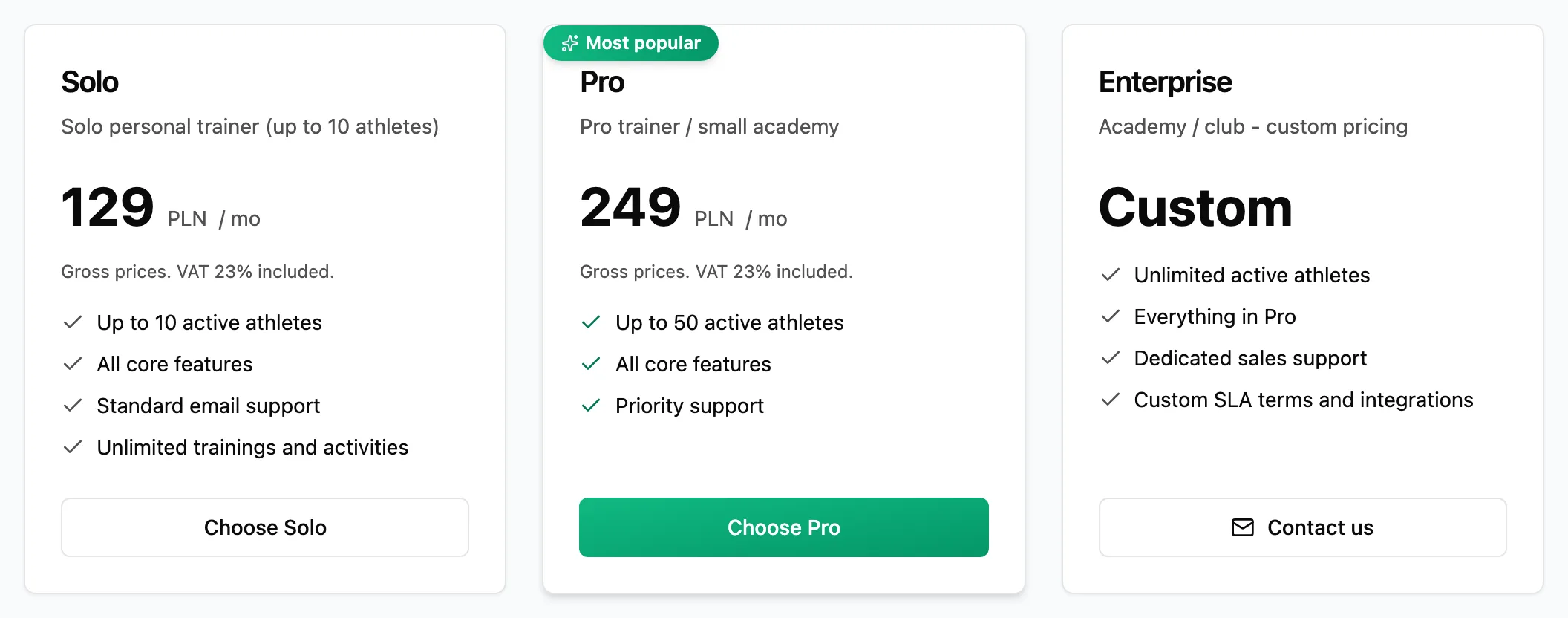
Every plan holds a set number of active athletes. This page shows how to check how many places you use and how to free some when the plan is full.
AthletesActive athletes limitWhat takes up a place
- Every active athlete.
- Every unused invitation code - the place is held for an athlete who has not signed up yet.
A suspended or removed athlete does not take up a place. The limit for each plan is on the pricing page.
When the plan is full
Read the notice
On the Athletes list a notice above the table says you have reached the limit, and the invitations tab shows a limit notice instead of the invite button.
Free a place or change plan
Deactivate invitation codes nobody will use, or suspend an athlete who is taking a break. If you need more places, click Change plan and pick a bigger plan.