Once your Polar Flow account is connected, workouts synced from your Polar watch reach the calendar with the full data recorded by the watch.
ProfileIntegrationsPolar FlowConnect the account
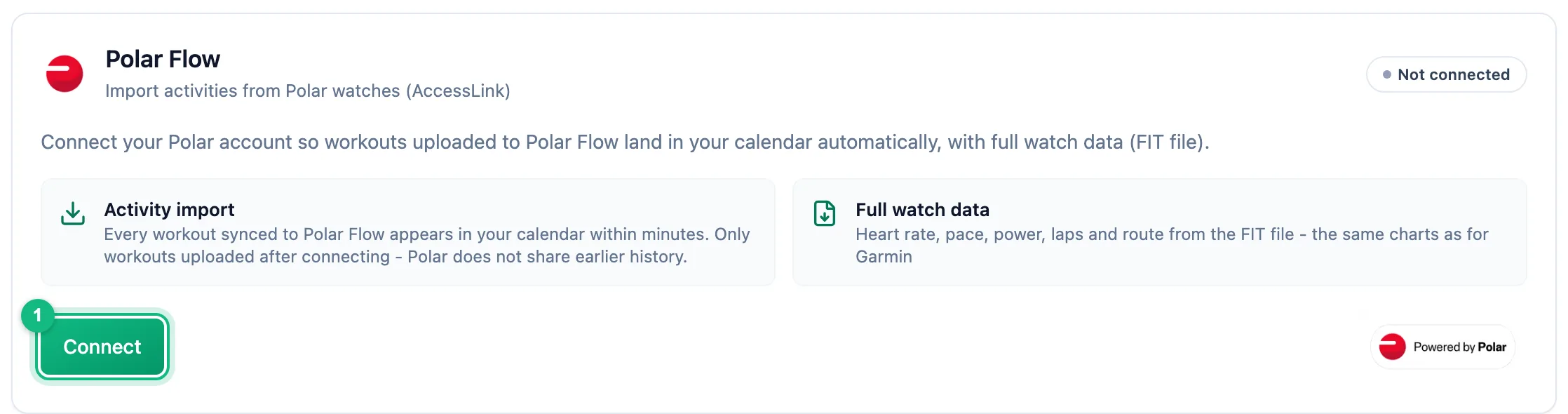
On the Polar Flow card, click Connect, sign in on Polar's site and approve access.
Accept the Polar consents
When the card shows Consent required in Polar account, Polar isn't sharing workouts yet. Click Open Polar account, accept the consents in your Polar account and come back to the app.
Set up import
With the Active status, pick the sports that should reach the calendar in the Workouts section. Sync now checks the last 30 days.
Reauthorization required means access expired or was revoked: click Reconnect. Import settings and imported workouts stay. Disconnect stops import, and the data in the calendar stays.
A Polar account can be connected to one Easy Trackly account only.
More in this section: Integrations
For coaches and athletes
How import worksHow workouts from a watch reach the calendar: connecting the account, choosing sports, manual sync and matching to the plan.For athletes
GarminHow to connect your Garmin Connect account, choose which sports to import and turn on sending planned workouts to the watch.For athletes
SuuntoHow to connect your Suunto account, choose which sports to import, fetch workouts from the last 90 days and send planned workouts to the watch.For coaches and athletes
Workouts on the watchHow a planned workout reaches the athlete's Garmin or Suunto watch: what the athlete sets up, which workouts qualify and what happens when sending fails.For coaches and athletes
Common sync problemsWhat to check when a workout from the watch didn't reach the calendar or a planned workout didn't reach the watch.