On this page
When a coach's subscription stops working, the app limits access first for the coach and then for their athletes. Data is kept, and full access returns with an active plan.
Coach: read-only mode
After a failed payment, or when the trial ends without a plan, the account switches to read-only mode. A red bar at the top of every page shows the deadline for sorting it out. You can see everything, but you cannot save changes in the calendar, templates or invitations.
Fix the payment or pick a plan
After a failed payment, click Resolve payment in the bar to open the Stripe portal, where you can change your card. After the trial, View plans takes you to the pricing page.
Coach: subscription expired
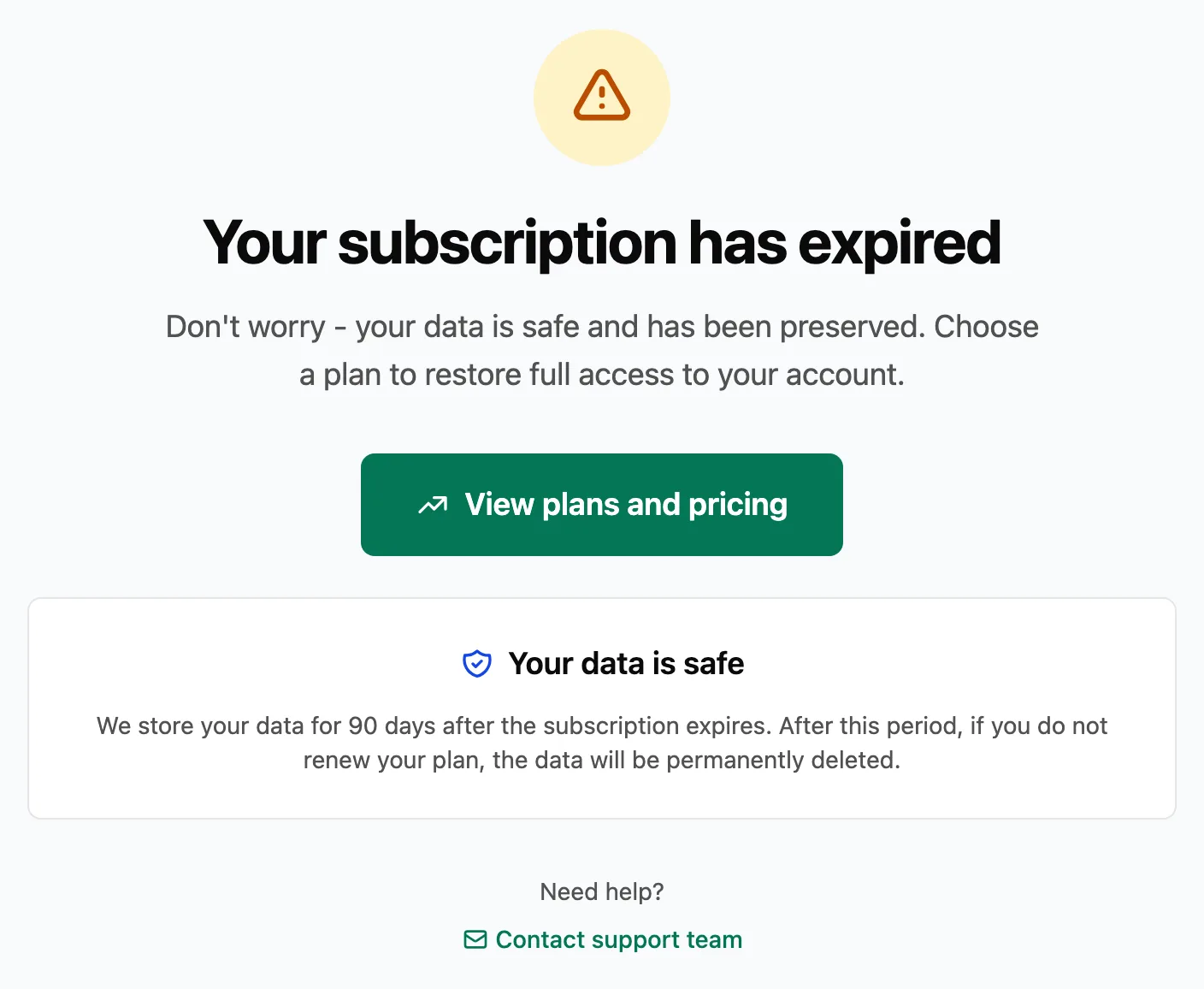
Once the deadline in the bar has passed, the account is locked. Every page of the app then leads to the expired subscription screen. Only your profile (personal details and account) and your subscription stay open.
Pick a plan
Click View plans and pricing and subscribe. Once the payment is confirmed, the app is back to work with all your data and athletes.
Athlete
An athlete sees the limited access screen when their coach's subscription has expired and the coach's account is locked. The coach's read-only mode doesn't limit the athlete, and an athlete suspended by the coach keeps using the app. Only the profile stays open, through the Go to profile button.