On this page
EasyTrackly is where a coach plans training for their athletes, and athletes do the work and report back on how it went. This page explains the two roles and where to begin.
Coach and athlete
Every account has one of two roles.
- Coach - runs a team of athletes: schedules their workouts in the calendar, reuses templates, records races and checks what each athlete has completed. Coaches create their own account.
- Athlete - sees their plan, marks workouts as done, links activities from their watch and writes reports. An athlete account is created from a coach's invitation.
Both roles look at the same athlete calendar, but only the coach plans workouts in it.
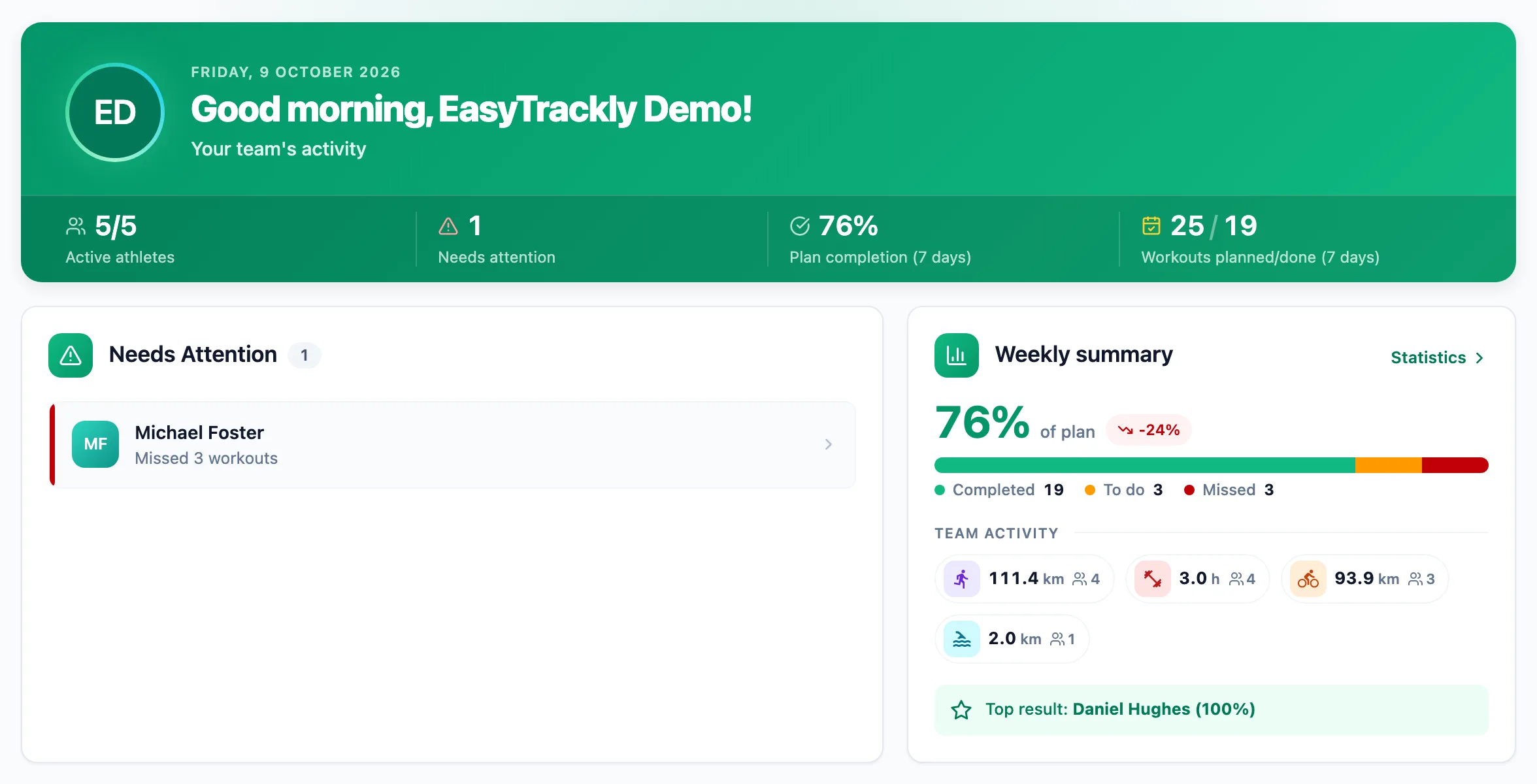
Getting started
Create a coach account
Sign-up takes a minute, with the form or a Google account. You start with a sample athlete who already has workouts, so you can explore the calendar before inviting anyone.
Invite your athletes
Each athlete gets their own invitation code from you. Once they register, they appear in your athlete list straight away.
Plan the first week
Open Athlete calendar and add workouts to the coming days. The athlete sees them as soon as you save.
More in this section: Getting started
For coaches
Coach accountHow to create a coach account with the form or a Google account, and sign in for the first time.For coaches
Inviting athletesHow to generate an invitation code, pass it to your athlete and check that they have joined.For coaches
Demo athleteWhere the demo athlete comes from, whether it counts toward your limit and statistics, and how to remove it.For athletes
Athlete accountHow an athlete creates an account from a coach invitation, and what to do when the code does not work.For coaches and athletes
Finding your way aroundWhat is in the coach and athlete side menu, the header and the user menu.For coaches and athletes
Basic conceptsWhat workouts, activities, completion, races, templates and reports mean in EasyTrackly.