On this page
A new coach account starts with a free trial and full access to the app. You pick a plan on the pricing page and pay by card through Stripe.
View plans and pricingThe pricing page is also linked from the expired subscription screen and from the bar that appears once the trial is over. Current prices and the trial length are always on that page.
How the plans differ
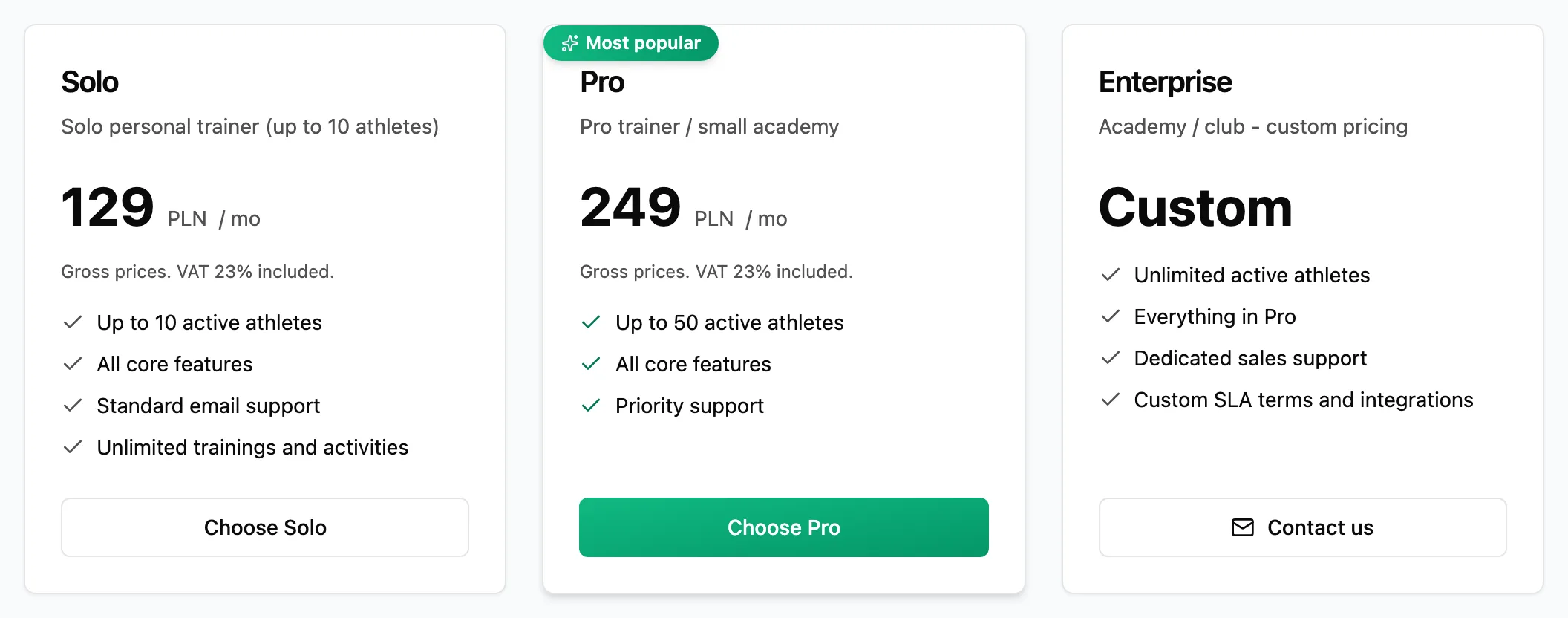
- Solo and Pro differ in the number of active athletes and the level of support. Every feature of the app is included in both.
- Enterprise is for clubs and academies, with no athlete limit and terms agreed individually.
Compare the plans
Each card shows the active athlete limit and what the plan includes.
Choose a plan
Click the select button on a plan card. The app takes you to the Stripe payment page, where you enter your card details. On the Enterprise card, Contact us opens an email to us instead.
Come back to the app
After payment Stripe sends you back to the app, which takes a moment to confirm it. Your subscription is then active.
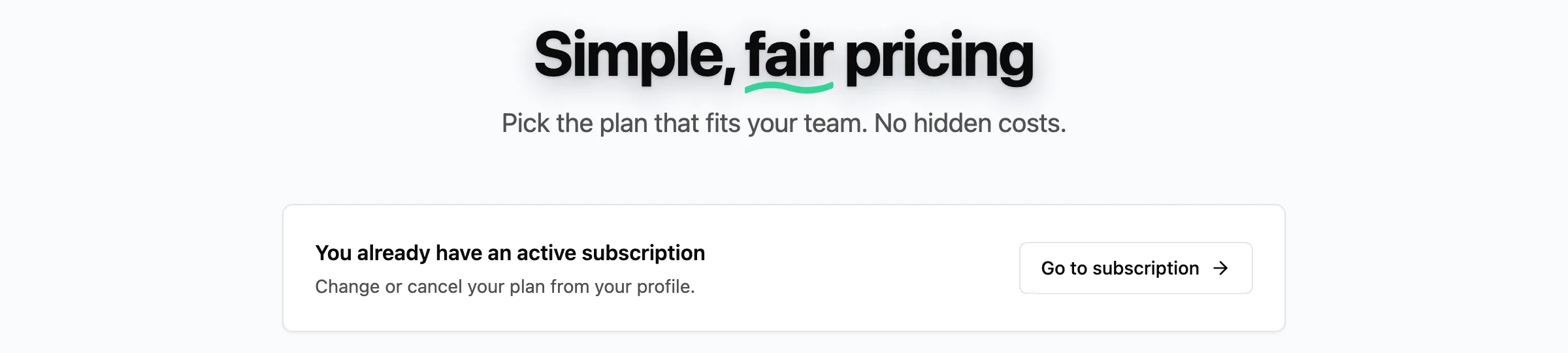
Once you have an active subscription, the pricing page says so above the cards and takes you to plan management with Go to subscription.