A personal session is a one-to-one meeting with an athlete at a set time. It goes into your schedule and into the athlete's calendar, and the athlete gets a notification.
ScheduleAdd personal sessionPick the athlete and a name
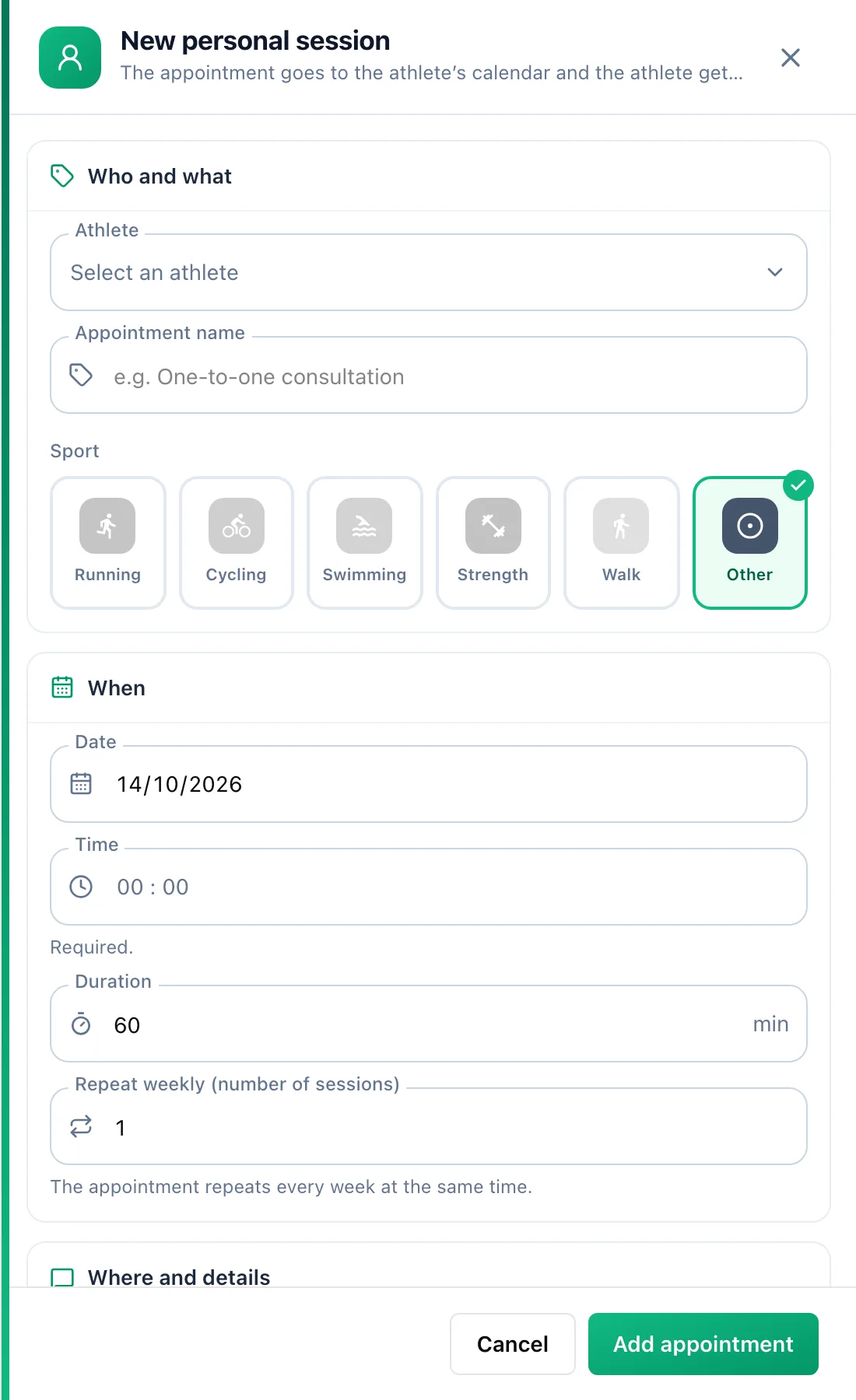
In the Who and what section choose the Athlete and fill in Appointment name. You can also add a session from the athlete's calendar, through the day menu - the athlete is then already selected.
Set the time
In the When section enter the date, start time and Duration. The Repeat weekly (number of sessions) field creates a series of weekly sessions at the same time. If you already have something booked at that time, the form lists it - you can still save.
Add the details
The athlete sees the Place and the Description for the athlete. Only you see the Private note. Click Add appointment.
Record attendance
On the day of the session or later, open it in the schedule and in the Attendance section choose Completed or No-show. A session without an entry shows a Mark attendance badge on its tile.